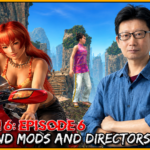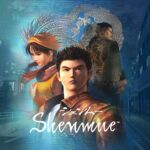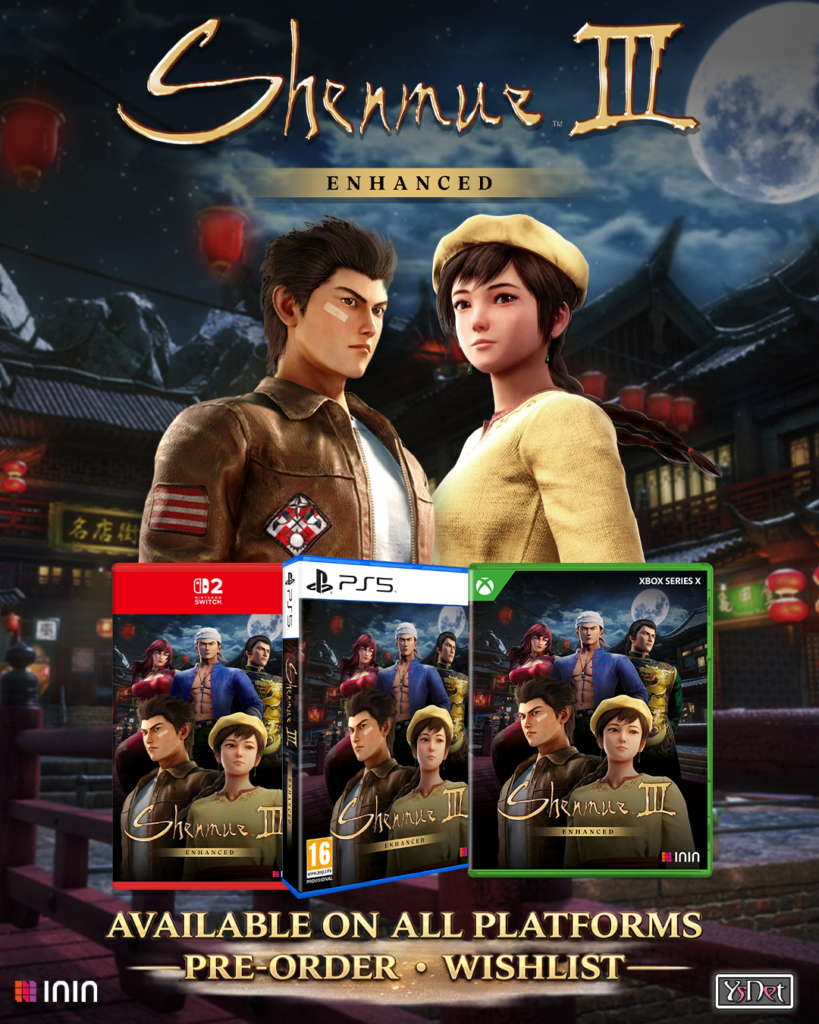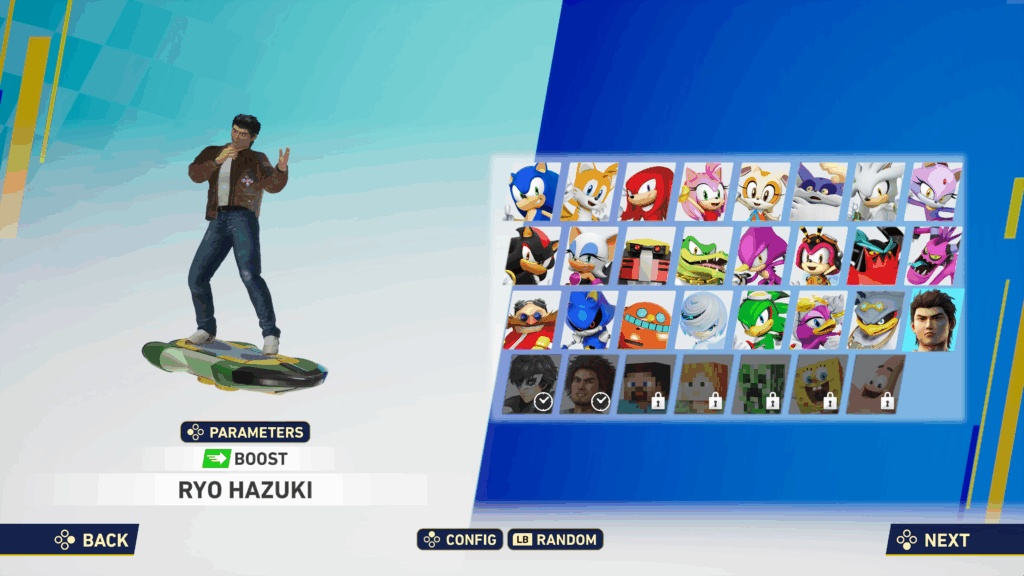
This mod replaces Hatsune Miku with Ryo Hazuki from the Shenmue series, who has been featured in Sonic & SEGA All-Stars Racing and Sonic & All-Stars Racing Transformed previously.
Download it here:
https://gamebanana.com/mods/624953
See the mod in action here:
All of its assets are taken from Shenmue III, except for the Shenmue Main Theme, which is taken from the Shenmue I & II album. The mod features a custom model, custom animations, textures, music, icons, etc., meaning it’s not a simple model swap but rather a full character replacement.
Currently, you have the option to select between Japanese and English voices, and between the Horse Stance (Hong Kong Battle), Tomato Convenience Store and Shenmue Main Theme songs as the results screen track.
Things the creator wants to point out:
- The mod currently has no custom stamps for the lobby emotes. It might be added in the future, but no promises.
- There is no custom song or camera animation for the Grand Prix ceremony, it just uses Miku’s. It’s something I couldn’t do and most likely will never be fixed.
- Having the voice clips mod is obligatory to also have the UI replacements over Miku (name, icon, etc.)
- The extreme gear doesn’t flip forwards or backwards, instead Ryo does a front and back flip respectively. This is intentional and might take a bit of getting used to.
- There are barely any custom animations for the car since Shenmue III only has the default “forklift drive” pose. I adapted it to fit into the car (even then the steering wheel clips through his legs), and all other animations are adapted from others he does while standing up, and some very simple custom ones I made. I’m not knowledgeable enough in animation to make him stand up and do crazy tricks in the car, but it still looks fine enough in my opinion.
INSTALLATION INSTRUCTIONS
1. Go to steamapps\common\SonicRacingCrossWorlds\UNION\Content\Paks and create a folder called "~mods" (yes, with the tilde)

2. Drag the three main files called "Ryo Hazuki_P", with the .pak, .ucas and .utoc extension to the mods folder.
	a. Choose which results theme you want. Go to the "results theme" folder and drag ONE file to the mods folder depending on which song you choose.
	b. Choose which voice over language you want. Go to the "voices" folder and drag ONE file to the mods folder depending on which dub you choose.

And that's it! Note that the "_P" is essential to the game to load it over the stock game files. However, if you want to change any file at some point (mainly the voice over and results theme), you don't need to delete it - you can just remove the "_P" from the file you had previously so the game doesn't load it, and then add the file for whatever you wanted to change with the "_P" (it comes like that by default in the mod).