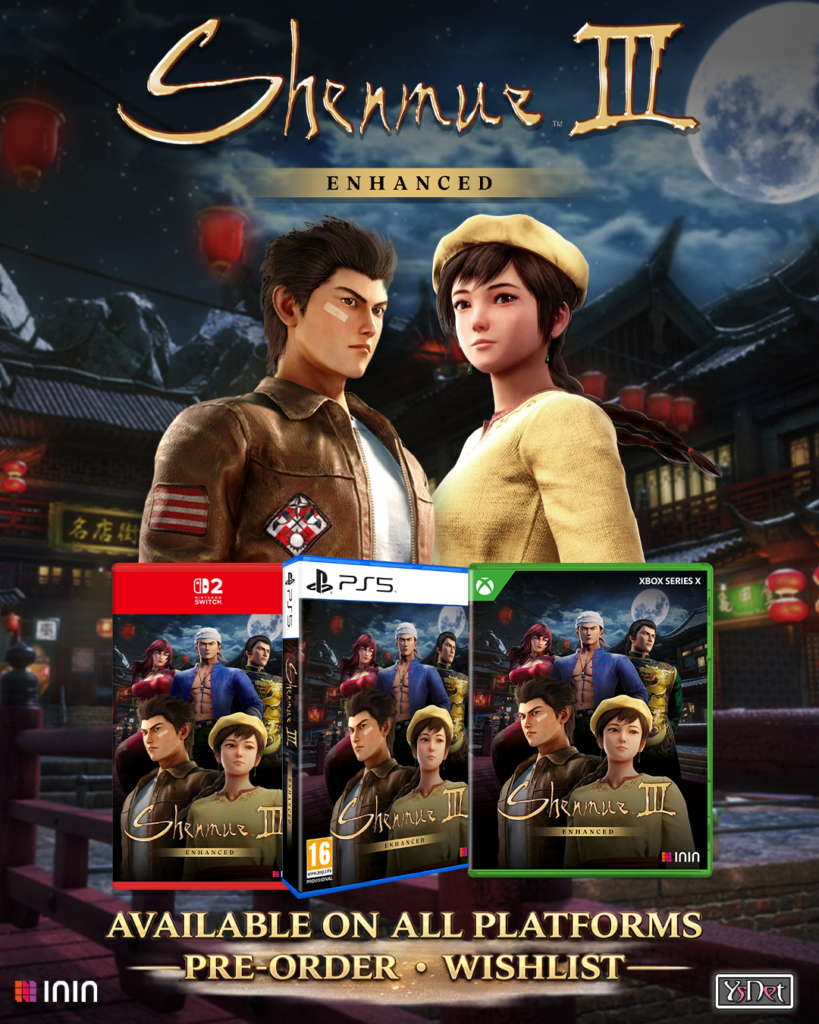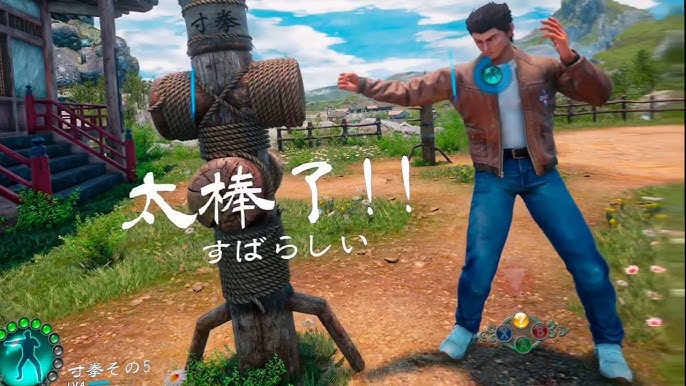
A mod for playing Shenmue III in first-person VR with motion controls.
Required: UEVR Nightly
Install UEVR Nightly first. The regular version of UEVR will not work with this mod.
What’s New
- Added native stereo support.
- Eliminated flickering.
- Added a slider in the UEVR menu to adjust DLSS quality.
Previous Update
- Fixed extreme blur during some cutscenes and combat.
Features
- First-person view with automatic switching to third person when needed.
- Gesture-based combat with haptic feedback.
- Motion-controlled mini-games.
- DLSS 5 support that works correctly in both eyes in VR.
- Right Grip lets you interact with items, open doors and drawers, pick herbs, and perform other interactions.
- Left Trigger opens the menu and also works as a search control near searchable objects or areas, excluding herbs and herb maps.
DLSS 5 Performance
DLSS 5 is extremely demanding in VR.
A GeForce RTX 5090 or GPU with similar performance is required for playable VR performance.
Less powerful GPUs may experience severe frame-rate drops or stuttering.
Installation
- Install UEVR Nightly.
- Download Shenmue-3-VR-DLSS-5-Setup.exe from this release.
- Close Shenmue III.
- Run the installer and select your language.
- Select your game installation folder or its
Shenmue3\Binaries\Win64folder. - Complete the installation.
The installer places both the game files and the UEVR profile. No manual profile import is needed.
If a Shenmue III profile already exists, the installer asks whether to back it up and replace it. If the backup fails, move or delete the following folder before retrying:
%APPDATA%\UnrealVRMod\Shenmue3-Win64-Shipping\
Starting the Game
- Start Shenmue III and wait for the main menu after the “Press any key” prompt.
- Open UEVR Nightly and select OpenXR.
- Select Shenmue III and click Inject.
- Press in both joysticks to close the UEVR menu.
Do not inject before reaching the main menu.
Adjusting DLSS Quality
Open LuaLoader → DLSS Resolution in the UEVR menu and adjust the slider. The default is 85%.
Combat Controls
- Elbow attack: Bring either controller up beside your headset.
- Uppercut: Perform an upward punching motion.
- Punch: Punch straight forward.
- Block: Bring both controllers up in front of your headset.
Haptic feedback confirms when an action has been executed correctly.
Important
- The profile is designed for standing during combat.
- You can sit while exploring and during other parts of the game.
- If B is your main select button, enable the B-button option under Button Config in the UEVR menu. This is a one-time setting and takes effect immediately.
- Players who use A as their main select button do not need to change anything.
Bug Reports
When reporting a problem, please include:
- Your headset
- Your GPU
- Your UEVR version
- Whether you use A or B as your main select button
- Where the problem occurred in the game
Credits
- KenzoGames – Original Shenmue III DLSS 5 mod.
- praydog and the UEVR contributors – Development of UEVR.
Support Future Development
This mod is free. If you enjoy it, you can support future updates and VR mod development through Patreon or Ko-fi.
❤️ Support Tensai37 on Patreon
Support is optional and greatly appreciated.